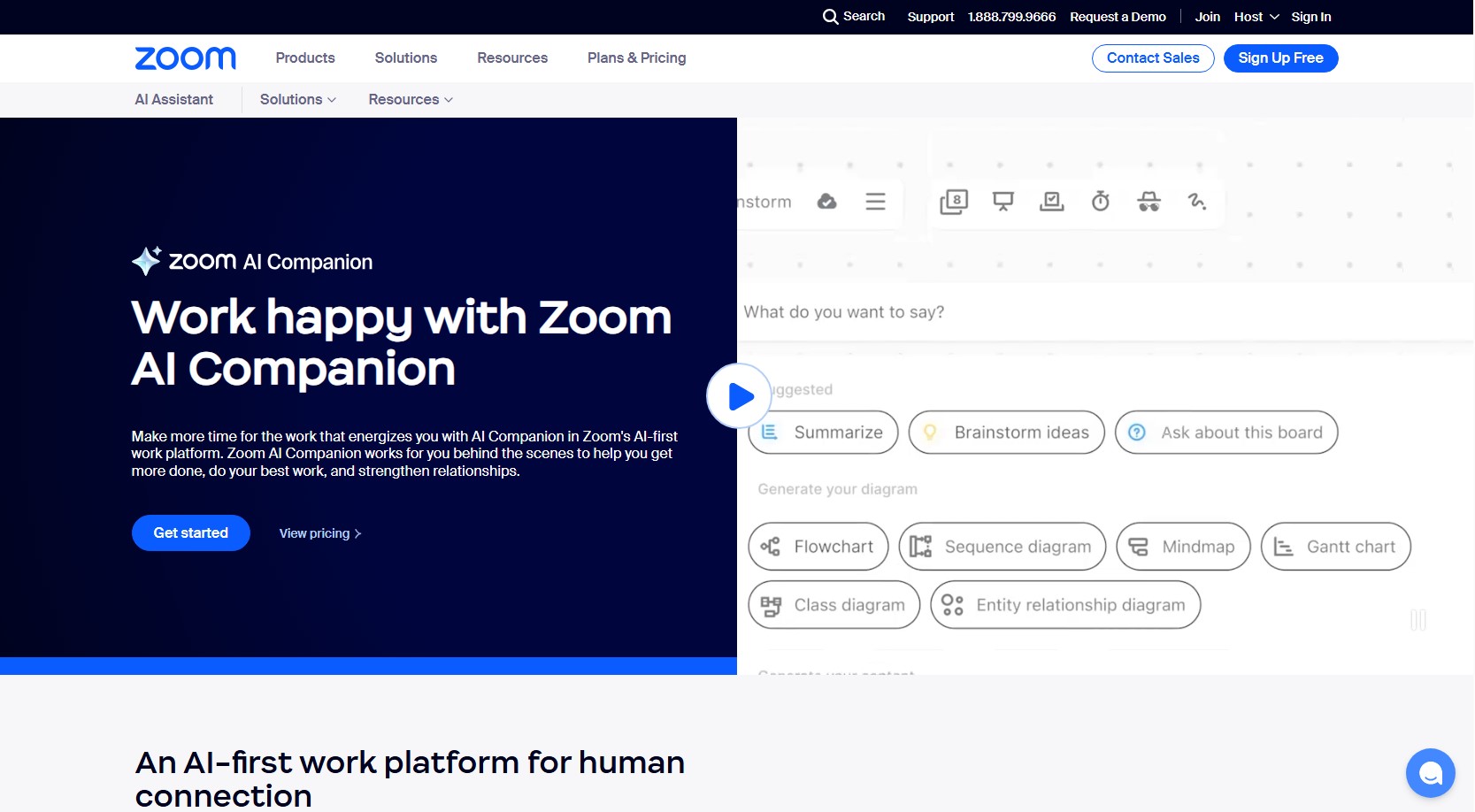

Zoom AI Companion: Elevating Productivity and Collaboration 🚀🤖
Introduction to Zoom AI Companion
Zoom AI Companion is an advanced generative AI assistant integrated within the Zoom platform, designed to enhance user productivity and streamline collaboration. 🧑💼💻 Available at no additional cost for customers with eligible paid Zoom services, AI Companion offers a suite of features across Zoom’s communication and collaboration tools. 🌐✨
Key Features of Zoom AI Companion
Meeting Enhancements 🖥️🎥
-
In-Meeting Questions: 🗣️ Allows users to catch up on missed meeting content by posing questions during the session. 🕵️♂️
-
Meeting Summary: 📋 Provides concise recaps and identifies action items post-meeting, ensuring clarity on key discussions and next steps. ✅
-
Smart Recording: 🎥 Captures meetings with AI-generated summaries and highlights, facilitating easy review and reference. 📑
Team Collaboration Tools 🤝💬
-
Chat Compose: 💬 Assists in drafting messages within Zoom Team Chat, streamlining communication among team members. ✍️
-
Thread Summary: 🧠 Summarizes chat threads, helping users quickly grasp ongoing conversations and stay informed. 🔍
Phone System Features 📞📲
-
Call Summary: 📞 Delivers summaries of phone calls, capturing essential details for future reference. 📝
-
Voicemail Tasks: 📬 Transcribes voicemails and converts them into actionable tasks, ensuring timely follow-ups. ⏳
-
Team SMS Thread Summary: 📱 Summarizes SMS conversations within teams, maintaining context and continuity. 🔄
Document Collaboration 📑✍️
-
Content Generation and Revision: 📝 Assists in creating and editing documents, enhancing content quality and coherence. 📈
-
Sentence Completion: ✏️ Provides suggestions to complete sentences, aiding in drafting and refining document content. 🖋️
Data Privacy and Security 🔐🛡️
Zoom is committed to user privacy and data security. 🔒 Customer content, including audio, video, chat, and screen sharing, is not used to train AI models. 🚫📊 Features are designed to process data locally when possible, and Zoom does not allow third-party AI models to use customer data for training. 🕵️♀️
Getting Started with Zoom AI Companion 🛠️
To utilize AI Companion’s features, ensure you have an eligible paid Zoom account. 💼 Access to certain features may depend on your specific Zoom plan. 📑 For detailed information on feature availability and setup, refer to Zoom’s official documentation. 📚
Conclusion 🎯
Zoom AI Companion integrates seamlessly into the Zoom ecosystem, offering AI-powered features that enhance meetings, team collaboration, phone communications, and document management. 🗣️💼 By leveraging these tools, users can improve productivity, streamline workflows, and focus on meaningful work, all within a secure and privacy-conscious environment. 🔐✨